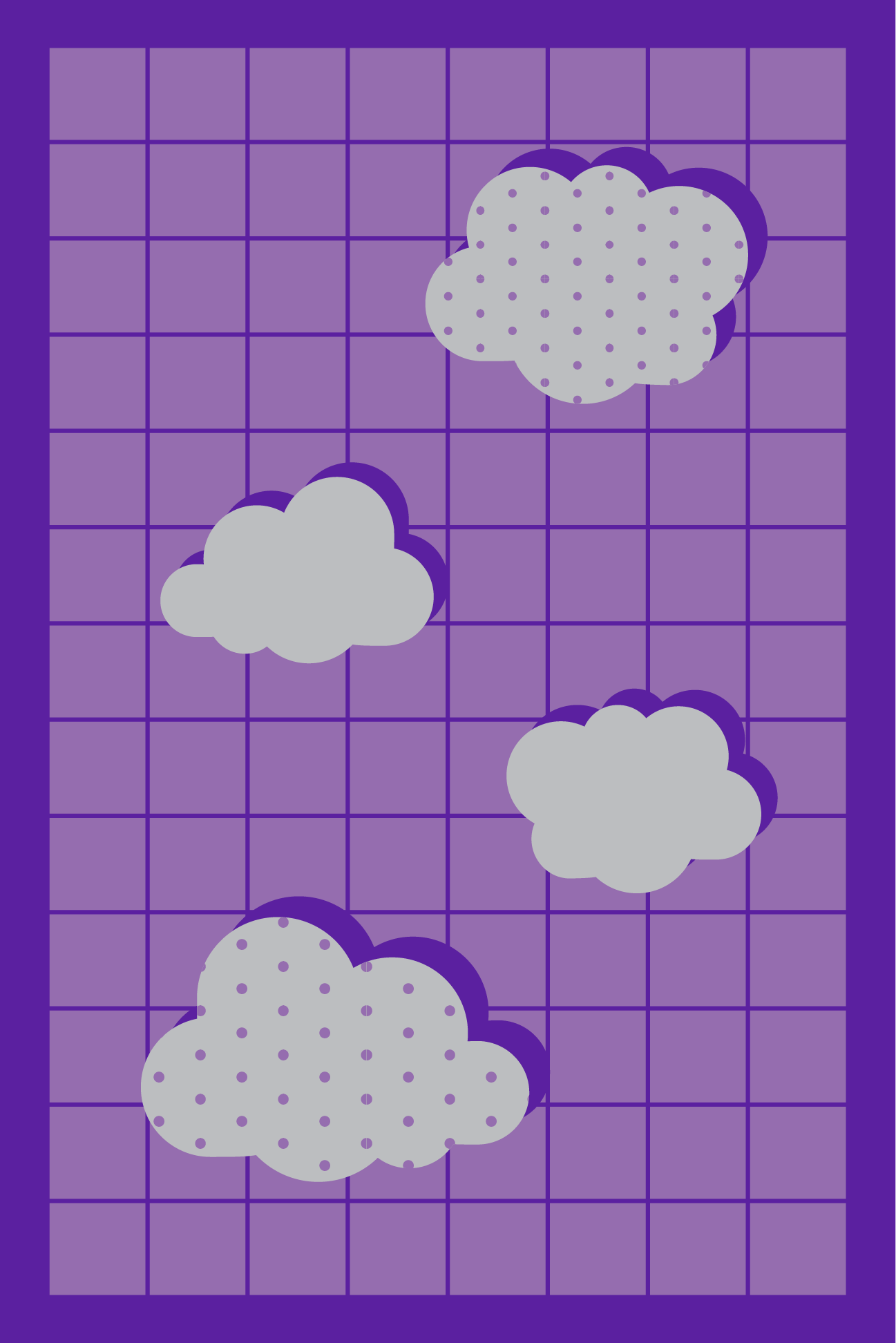
Book Cover
Notebook cover design

Role
Designer, Developer
Tools
Illustrator, Photoshop
About
I designed a book cover using Illustrator. I chose to create it into a notebook design.
The purpose of this project is to showcase creative design elements.
Process
I began this project by first choosing the main colour for the design. I decided to go with a purple monochrome theme, and utilized patterns and shapes to create a cover design.
I made the background a flat colour, then overlayed a grid pattern overtop with a lighter colour. I wanted the design to be consistent, so I put it on all 3 sides.
Afterwards, I created the clouds, and made a polka dot pattern to lay overtop of some of the clouds for a different look on both the front and backsides.
I then worked on the title typography and design. I found the font to be interesting and fun, and the ‘3D’ look went well with the other elements in the design. I also created some star decal shapes near the title to give a different defining look to the front page.
Lastly, I used a mockup to show a more realistic ‘3D’ version of the design, and completed the final look of the cover.